
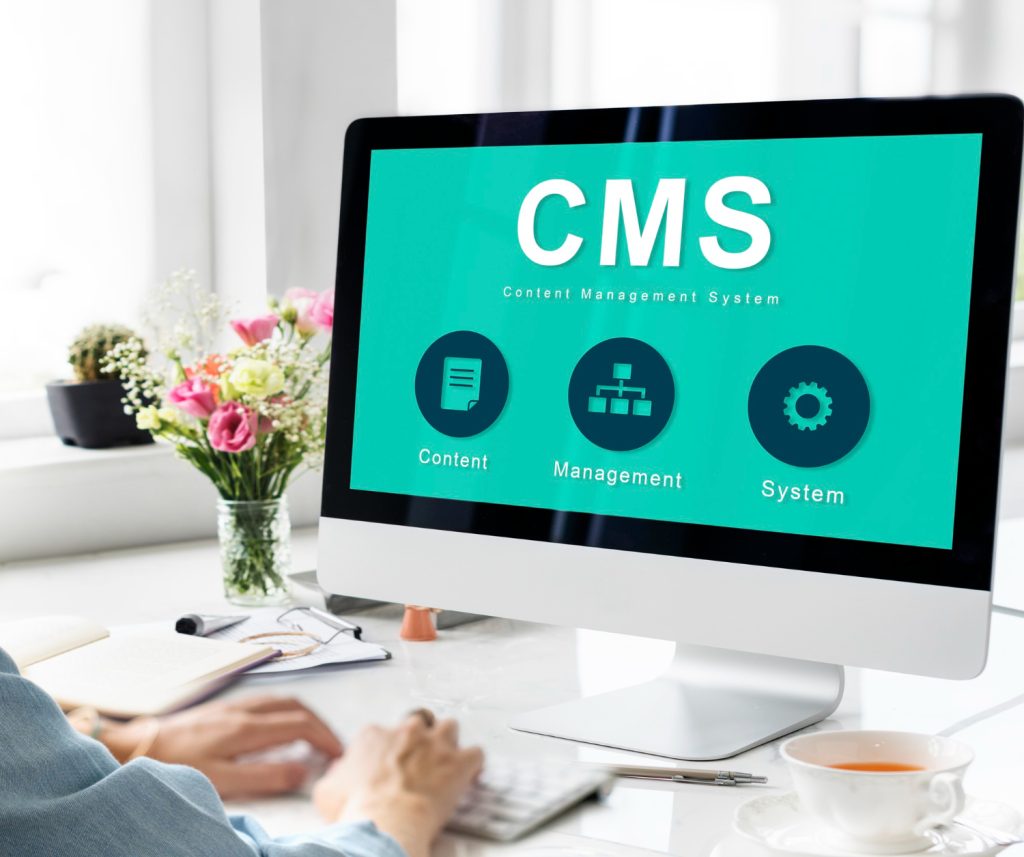
When you request an online quote for a website, your attention naturally goes to the design, the features, and the price. That’s perfectly understandable. But there’s one item that far too many business owners overlook — and it can make all the difference: CMS training. Here’s why this line in your quote deserves far more attention than it usually gets.
What is a CMS and why does it matter for your business?
A CMS (Content Management System) is the tool that lets you manage your website without writing a single line of code. Whether it’s WordPress, PrestaShop, or a proprietary platform, every website comes with a back-end interface where you can edit text, upload photos, publish articles, or update your prices.
For a small business, a tradesperson, or a local retailer, this means real operational freedom — provided you actually know how to use it.
Why CMS training must be part of your website quote
1. You stay independent from your agency for every small change
Without training, even minor updates — swapping a photo, correcting a price, announcing a sale — require you to contact your web agency and wait. With proper CMS training, you manage your site on your own terms, quickly, from anywhere.
2. Your website stays fresh and relevant
A website that isn’t updated regularly loses credibility — and search engine rankings. Google rewards fresh, relevant content. When you know how to publish a blog post, update your catalogue, or add a customer review, your local SEO benefits directly.
- Updating your opening hours
- Adding new photos of your work or products
- Publishing seasonal offers and promotions
- Refreshing your pricing or menu
3. You get a better return on your investment
A website is an investment. If you can’t use it to its full potential because nobody showed you how, you’re leaving money on the table. CMS training typically represents a small fraction of the overall project cost — yet its return is immediate and ongoing.
4. You avoid costly mistakes that hurt your image or your SEO
Publishing a page with missing meta tags, accidentally deleting content, or breaking the mobile layout of a page are all common mistakes made by untrained users. Good CMS training teaches you best practices from the start — and saves you from expensive repairs down the line.
What should a CMS training session include in a quality website quote?
Not all quotes are equal. When comparing website creation offers, make sure the included training covers at least:
- Navigating the admin interface
- Adding and editing pages or blog posts
- Managing media files (images, videos)
- Basic on-page SEO (titles, meta descriptions, alt text)
- Performing updates and backing up your site
Ideally, this training should be delivered live — in person or via video call — with a trainer who understands your industry and your specific use case. A generic tutorial video is rarely enough.
Linkeo includes training as part of a complete support approach
This is exactly the philosophy Linkeo has built its service around. With over 40,000 websites created for SMEs, artisans, shopkeepers, and independent professionals, Linkeo goes well beyond delivering a turnkey website. The agency provides personalised, end-to-end support — including hands-on training with your content management tool, so you are fully autonomous from the moment your site goes live.
As a certified Google Partner and an accredited “France Num” expert, Linkeo understands the specific challenges facing small businesses: limited time, a need for simplicity, and a focus on real, measurable results. CMS training is a natural part of that commitment.
Key takeaways
The next time you request an online quote for a website, ask your agency one simple question: “Is CMS training included?” If the answer is no — or vague — that’s an important signal to consider.
A great website is one you can actually manage. CMS training isn’t an add-on or a luxury: it’s the guarantee that your digital investment keeps working for you, long after launch day.
Internal link suggestion: Link to the “Client Support and Accompaniment” page on Linkeo, or to a complementary blog post such as “How to choose the right web agency for your business.”